



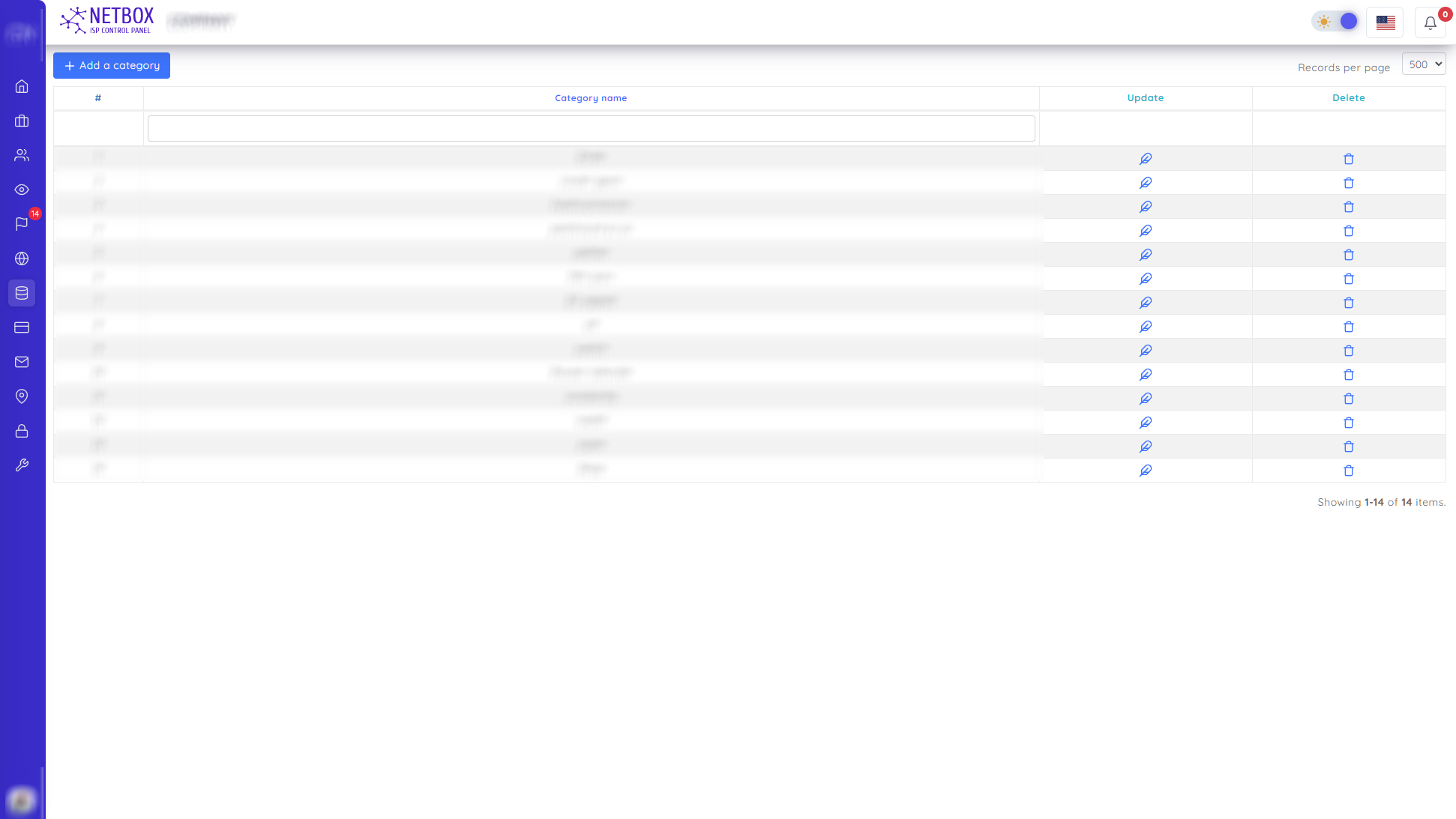
On this page, you can search product categories according to the boxes above. You can also do the following operations
- In the window that opens with the "Add a category" button, you add the category name of the product by specifying the size type
- In the window that opens with the "Update" button, you can update the category name of the product and the size type
- You delete the category in the window that opens with the "Delete" button
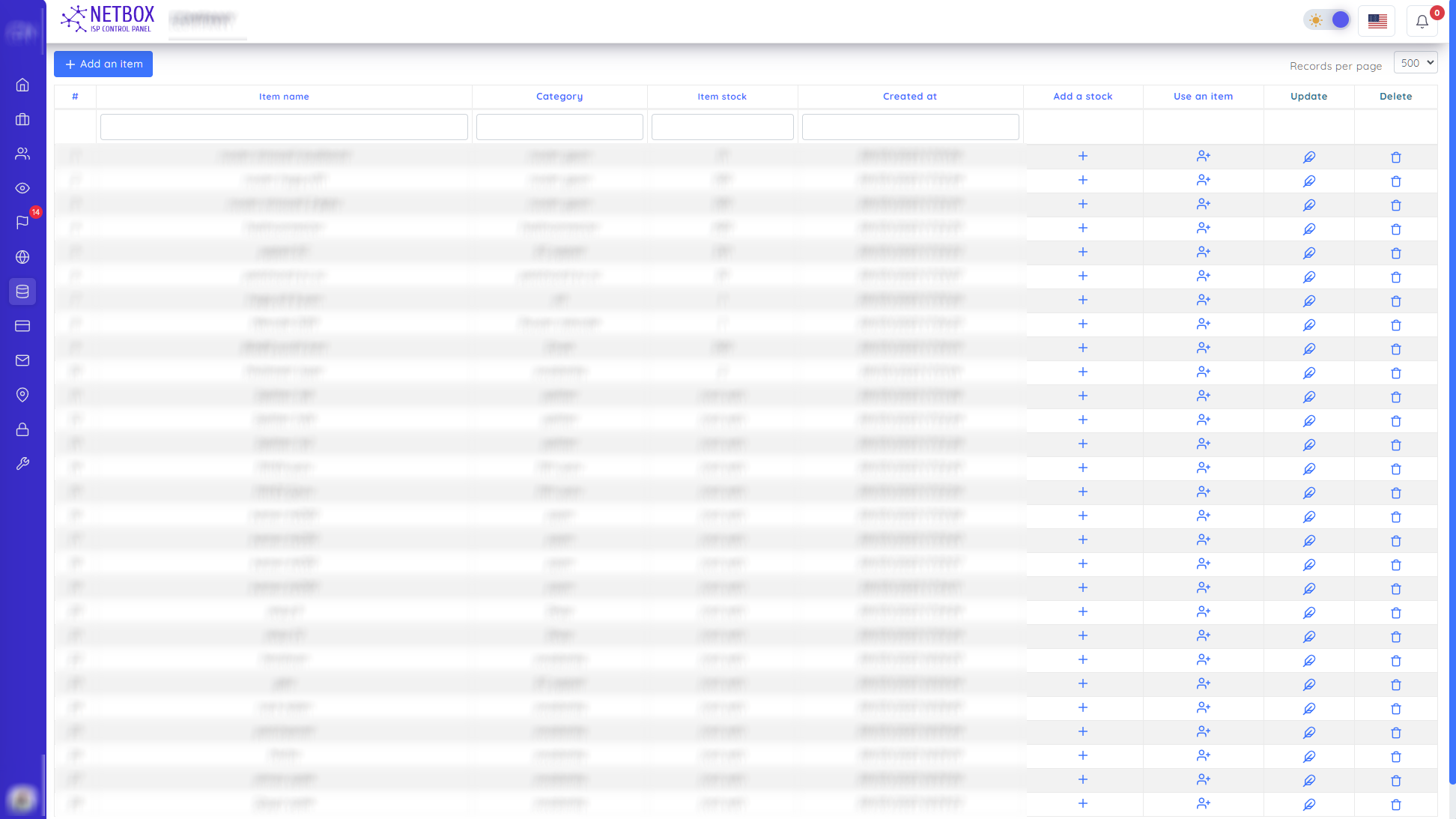
On this page, you can search for products according to the boxes above. You can also do the following operations
- You can add a new item with the "Add an item " button
- In the window that opens with the "Add a stock" button, you add your stock by noting the price and quantity of the new stock in which warehouse.
- In the window that opens with the "Use an item" button, you confirm the use of the item by entering the stock of the item in which area and other necessary information.
- You change the name of the item in the window that opens with the "Update" button
- In the window that opens with the "Delete" button, you delete the item and all stocks of the item
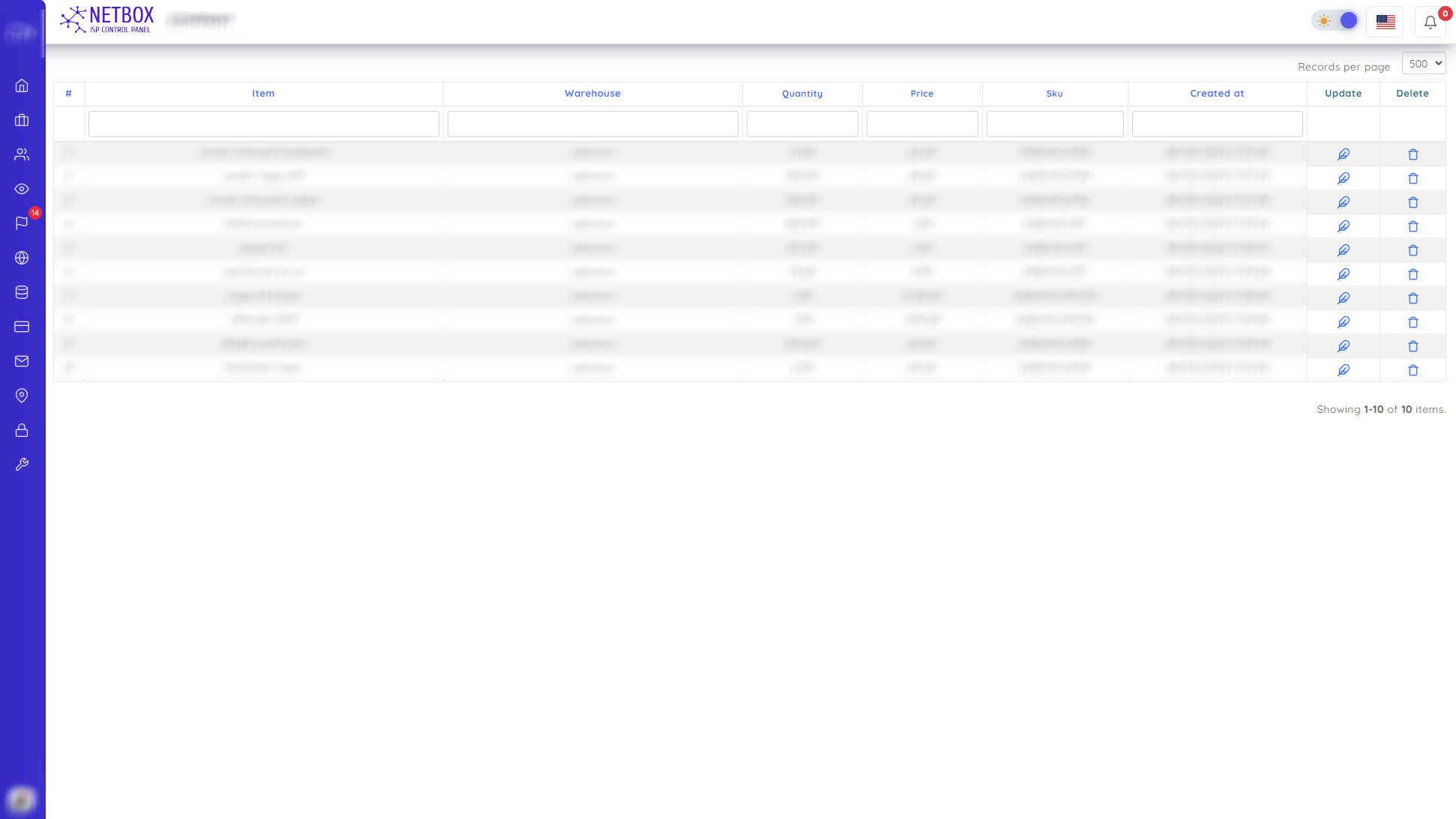
On this page, you can easily find all the used products by searching according to the boxes above, and you can update the stock by deleting any used product.
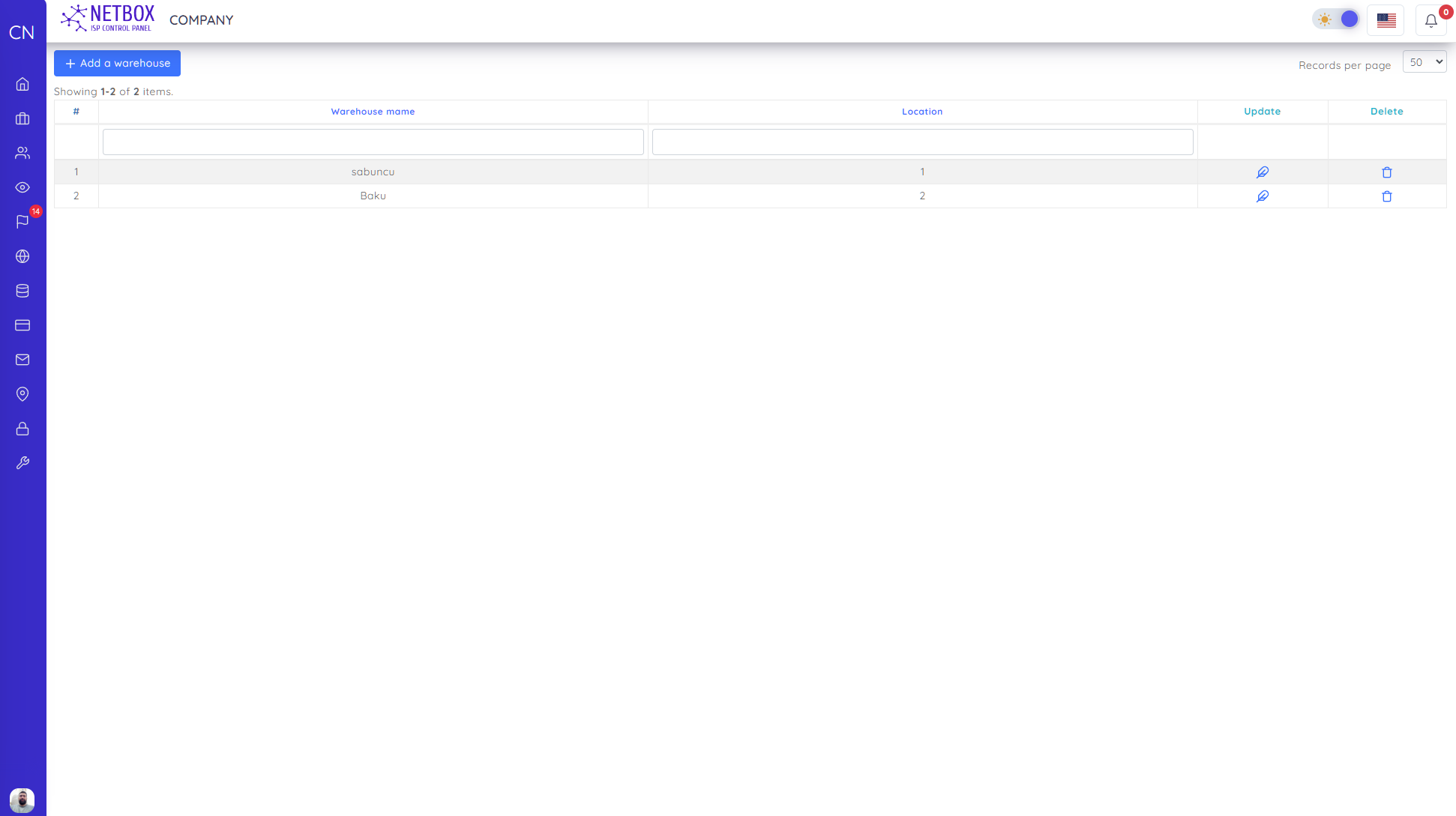
On this page, you can search for warehouses according to the boxes above. You can also do the following operations
- You change the name of the warehouse in the window that opens with the "Update" button
- With the "Delete" button, you delete the warehouse in the window that opens