



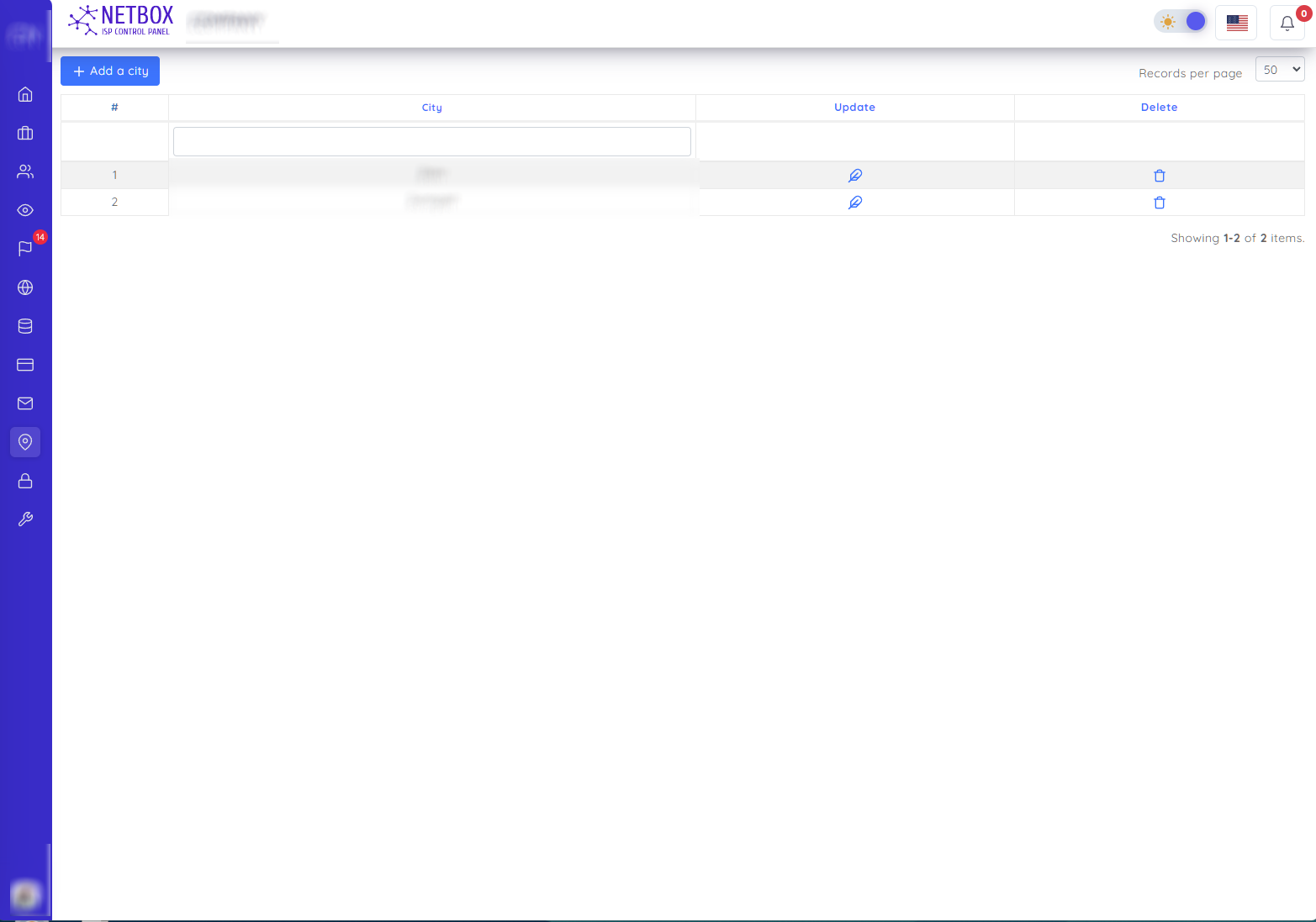
You can search by city name on this page. You can also do the following operations
- You add the city by specifying its name in the window that opens with the "Add a city" button
- You change the name of the city in the window that opens with the "Change" button
- You delete the city in the window that opens with the "Delete" button
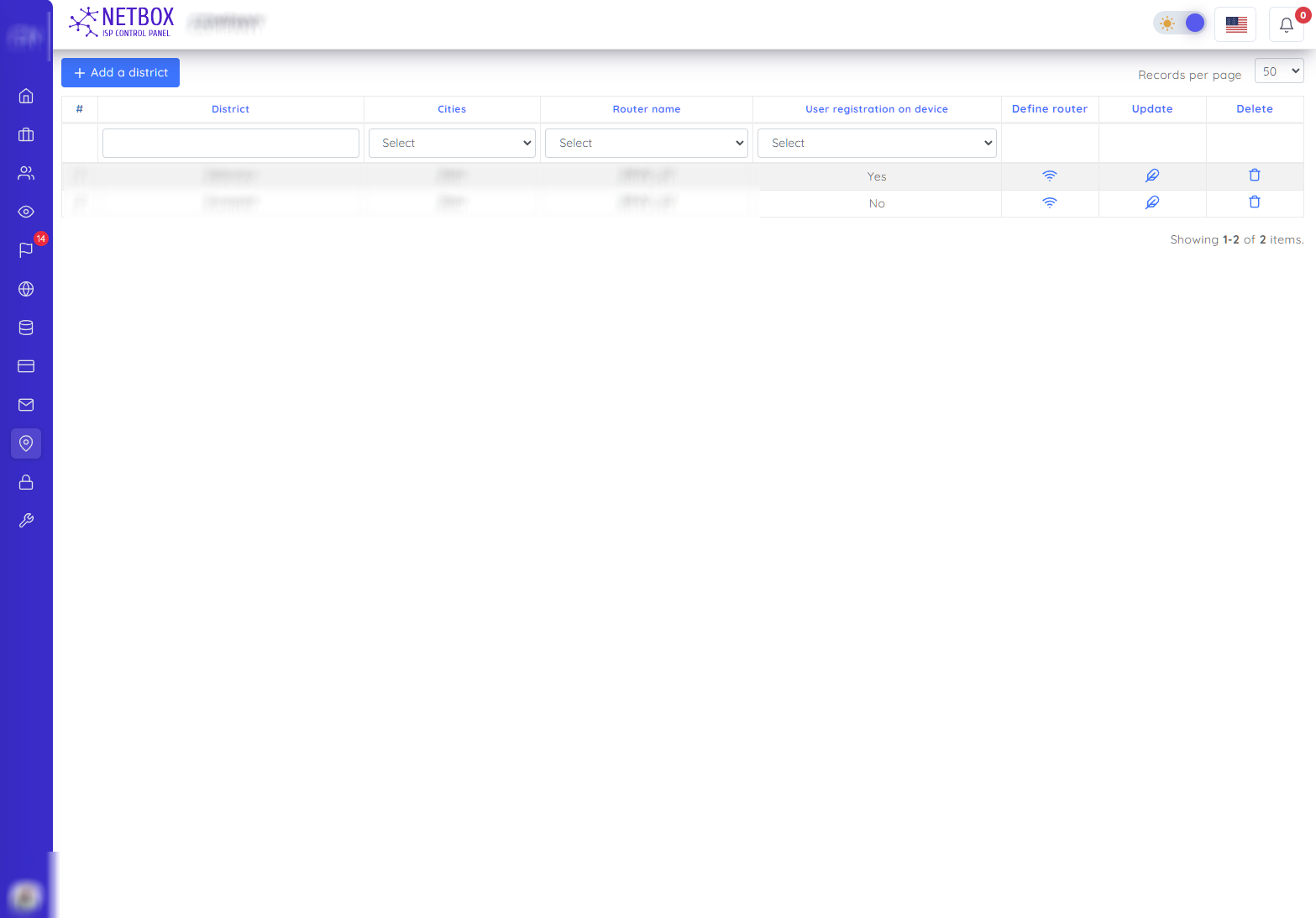
On this page, you can search by district, city and router name. You can also do the following operations
- In the window that opens with the "Define router" button, you select the router and assign it to that area
- In the window that opens with the "Update" button, you can change the "name of the city", "name of the street", "whether or not the subscribers are registered in the devices" and the coordinates of the street
- You can delete the street in the window that opens with the "Delete" button
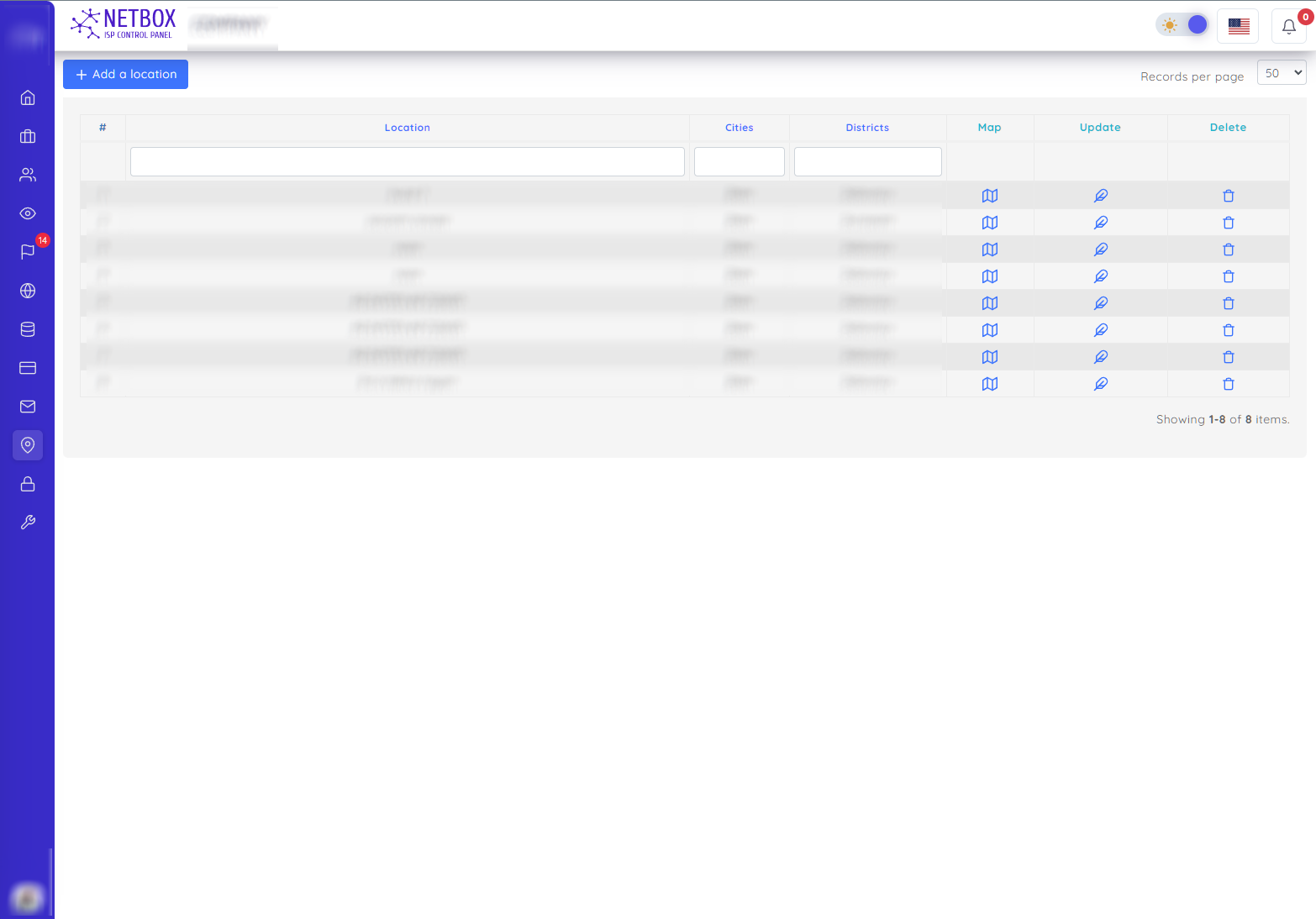
On this page, you can search by the name of the street, city, district and location. You can also do the following operations
- In the window that opens with the "Map" button, you can see where your subscriber living in the region is located on the map.
- In the window that opens with the "Update" button, you change the "name of the city", "name of the street", "name of the location" and the coordinates of the location
- You can delete the location in the window that opens with the "Delete" button